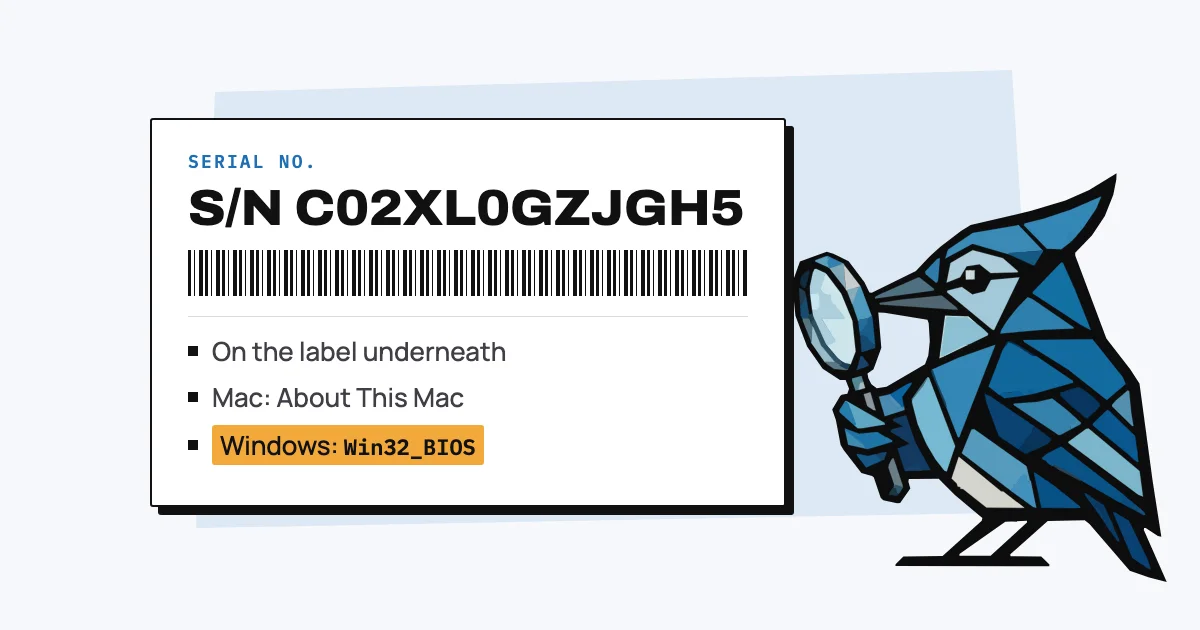
A laptop's serial number is printed on a label on the bottom of the case, and the laptop can show it too: on a Mac under Apple menu > About This Mac, and on Windows with one PowerShell command. Dell calls it the Service Tag. You need it to check the warranty, make a claim or report a laptop stolen.
Labels wear off and the box usually goes in the recycling, so below is every other place to look: Windows, Mac, where each maker puts the label, and what to do when the laptop won't turn on.
How do I find the serial number on Windows 11?
On any Windows laptop, open PowerShell (search for it in the Start menu) and run the command below, which reads the serial the maker stored in the laptop's firmware. Microsoft documents this command as the replacement for the older wmic bios get serialnumber, which many help pages still give but which has been removed from current versions of Windows 11.
Get-CimInstance -ClassName Win32_BIOS | Select-Object -Property SerialNumber
The makers' own apps show it as well. On a Dell it's on the main screen of SupportAssist, on a Lenovo it's in Lenovo Vantage, on an ASUS it's in MyASUS, and on a Surface it's in the Surface app under Device information. On an HP, press fn + esc on the built-in keyboard and a System Information window comes up with it.
If the laptop powers on but Windows won't load, the serial is also in the BIOS settings, which you open by pressing F2 as it starts on a Dell or an ASUS.
How do I find the serial number on a Mac?
On a Mac, choose Apple menu > About This Mac and the serial number is listed in the window that opens. Apple also prints it on the underside of the Mac and on the box, and you can find it in System Information (hold Option, then Apple menu > System Information > Hardware).
If you'd rather copy it as text, this Terminal command prints it:
ioreg -l | grep IOPlatformSerialNumber
Apple's guide to finding the serial notes that if the Mac has had its logic board replaced, the number printed on the case may no longer be valid, so go by the one the Mac itself shows.
Where is the serial number on the laptop itself?
On most laptops the serial is on a label or etched on the bottom of the case. On a Surface it's under the kickstand or the keyboard, and Dell calls it the Service Tag, a seven-character code.
| Maker | On the laptop | On screen |
|---|---|---|
| Apple | Underside of the Mac, and the box | Apple menu > About This Mac |
| Dell (Service Tag) | Etched or on a sticker on the bottom | SupportAssist main screen |
| Lenovo | Label on the laptop | Lenovo Vantage |
| HP | Label on the laptop, and the box | fn + esc on the built-in keyboard |
| Microsoft Surface | Under the kickstand (Pro, Go) or under the keyboard near the hinge (Laptop) | Surface app, or Settings > System > About |
| ASUS | Label on the laptop, the box or the warranty card | MyASUS |
Each maker's name links to our page on checking its warranty, which also has the sources for these locations.
How do I find the serial number if the laptop won't turn on?
If the laptop won't start, read the label on the bottom first, then look for the box, the receipt or the order confirmation, which sometimes list the serial. A Surface you registered with your Microsoft account is listed at account.microsoft.com/devices, so it's worth a look there too.
AssetJay can help with this. When you forward a receipt to your team's Inbox address, the serial is saved with the asset if the receipt lists it, and you can add it by hand if it doesn't. Each asset page then links to the maker's warranty check with a button to copy the serial, so the next time something breaks you don't need the laptop to be working to find it.
If you keep a spreadsheet instead, our asset register template has a column for it.
What can you look up with a laptop's serial number?
With the serial you can check the warranty on the maker's own page, bring up the exact model and its drivers on the maker's support site, and give an insurer or the police a number that identifies that one laptop. Our warranty check page links the official lookup for Apple, Dell, Lenovo, HP, Microsoft and ASUS.
A serial number can't find a lost or stolen laptop on its own, though. Locating one needs a tracking feature that was turned on beforehand, such as Find My on a Mac or Find my device on Windows, and the serial is what you give the police and your insurer once you report it. Our guide to filing a warranty claim covers what else the maker will ask for.
Is the serial number the same as the model number or IMEI?
No. The model number tells you which product a laptop is and is shared by every unit of that model, while the serial number identifies one laptop. An IMEI is a separate number that only devices with a mobile connection have, such as phones and tablets with a SIM, so most laptops don't have one.
Free: Warranty Check by Serial Number
The official warranty check page for Apple, Dell, Lenovo, HP, Microsoft and ASUS, and where to find the serial number on each. No signup needed.
Open tool