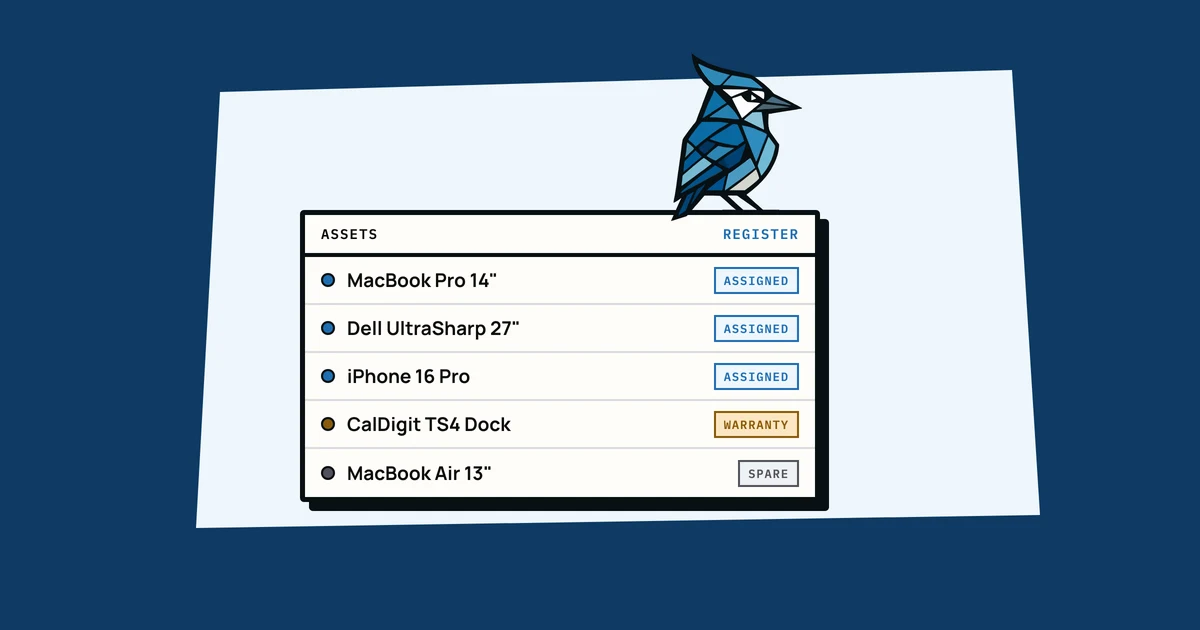
An IT asset register is just a structured list of everything your company owns: laptops, monitors, phones, chargers, keyboards, and anything else that costs enough to care about. The idea is simple enough, and the hard part is actually sitting down to do it and then keeping it up to date once you have.
If you're here, you're probably looking for a template to get started. We'll walk through exactly what to track, what to skip, and how to avoid the common mistakes that turn a useful register into a neglected spreadsheet.
Why You Need an Asset Register
Most small businesses don't think about their equipment inventory until something goes wrong. Usually that's when a laptop goes missing during an offboarding, or an insurance claim needs a serial number nobody wrote down, or a warranty runs out because nobody remembered to check.
An asset register prevents all of this. It gives you one place to answer the basic questions: what do we own, who has it, what did it cost, and is it still under warranty? Even a basic register, like a spreadsheet with ten columns, puts you ahead of most companies your size. It doesn't need to be perfect, just complete enough that you have the information when you need it.
What Fields to Track
Here's the sweet spot for a small business asset register. These fields give you enough detail to be useful without creating a data entry burden that nobody will maintain:
- Asset name: a human-readable label like "Ingrid's MacBook Pro" or "Conference room monitor."
- Type/category: laptop, monitor, phone, headset, etc. This lets you filter and count by category later.
- Make and model: "Dell XPS 15 9530" or "Apple MacBook Air M3." Essential for warranty claims and replacements.
- Serial number: the single most important identifier. Insurance companies, manufacturers, and police reports all need this.
- Purchase date: when it was bought. Needed for depreciation, warranty tracking, and knowing when it's time to replace something.
- Purchase cost: what you paid. Useful for insurance, budgeting, and understanding total equipment investment.
- Warranty expiry: so you can act before it runs out, not after.
- Assigned to: who currently has it. This is the field that saves you during offboarding.
- Location: office, home (for remote workers), storage, or a specific room. Especially important for hybrid teams.
- Receipt/proof of purchase: a link to or copy of the original receipt. Without this, warranties and insurance claims are dead on arrival.
That's ten fields. It might look like a lot written out, but most of it takes thirty seconds per item. You're copying the serial number off the bottom of a laptop and noting who has it.
Starting from Scratch vs. Migrating a Spreadsheet
If you have nothing yet, start with a blank spreadsheet or template and do a walkthrough of your office. Open every drawer, check the storage closet, look under desks. Log everything that costs more than about $50. It takes an afternoon for a team of 20, and the clarity is worth it.
If you already have a spreadsheet with some data in it, don't throw it away and start over. Clean it up: make sure the columns match the fields above, fill in any obvious gaps, and remove rows for equipment you've already disposed of. A messy-but-real spreadsheet is better than a pristine template with nothing in it. If you're hitting the limits of your current spreadsheet, our guide on moving beyond spreadsheets for equipment tracking walks through the transition step by step.
Common Mistakes
Tracking too much
The impulse is to add columns for everything: firmware version, IP address, colour, condition notes, three different date fields. Every extra column is one more thing to fill in, and people tend to stop updating a register that asks too much of them. Start with the ten fields above. You can always add more later if you find you need them, but you probably won't.
Not tracking enough
The opposite mistake is a register that only has "laptop" and "John", without a serial number, purchase date or cost. This register can't help you with warranty claims, insurance, budgeting, or audits. It's essentially a list of names. The serial number and purchase date are the minimum. Without those, the register won't be much help when you need it.
Forgetting to update it
The register is accurate on the day you create it. Then a new hire gets a laptop and nobody adds it. Someone leaves and their row stays. The register drifts from reality, people stop trusting it, and within six months it's abandoned. The fix is making updates part of your process: every new purchase gets logged immediately, every offboarding includes checking the register.
When to Move Beyond a Template
A spreadsheet template works well up to about 30-50 assets. Beyond that, or once you have multiple people who need to update it, a spreadsheet starts to struggle: it has no audit trail or photo attachments, it won't remind you when a warranty is about to expire, and two people editing at once end up with conflicting versions.
If you're finding that your spreadsheet is more work to maintain than it's worth, or if you've lost equipment during offboarding, missed a warranty deadline, or can't find a receipt when you need one, it's time for a dedicated tool. For a deeper look at these growing pains, check out our guide to equipment management for small businesses.
AssetJay was built for exactly this transition. You can import your existing spreadsheet as a CSV (import your people first, and the "Assigned to" column links each asset to its person) and get all the structure a proper system provides: photo attachments, receipt storage, assignment history, and warranty alerts, without retyping anything.
Start Here
Here's a plan you can get through in a week:
- Block two hours. Walk through your office and log every piece of equipment worth tracking. Bring your phone to photograph serial numbers.
- Use the ten fields above. Name, type, make/model, serial number, purchase date, cost, warranty expiry, assigned to, location, and receipt.
- Save receipts as you go. Dig through email for purchase confirmations and attach them to the right row.
- Tell your team. Let people know the register exists and that new purchases need to be logged. One sentence in Slack is enough.
- Set a calendar reminder. Check the register once a month for five minutes. Are there new hires who got equipment that wasn't logged? Any warranties expiring soon?
That's it. An afternoon of work gives you a clear picture of what your company owns, who has it, and what it's worth. Automations and integrations can come later, once you know what you have. If you don't have an IT department handling this, our guide on tracking equipment without IT covers what to do next.
Free: IT Equipment Tracker Template
A ready-to-use asset register with the right columns, sample data, and field-by-field guidance. No signup needed.
Get spreadsheet template