Getting Started
Go from zero to fully tracked inventory in under five minutes. No credit card required.
1Create your account
Head to the sign up page and enter your email. We'll send you a magic link, no password needed. Click the link in your inbox and you're in.
TipUse your work email so teammates can join the same organisation later.
2Set up your organisation
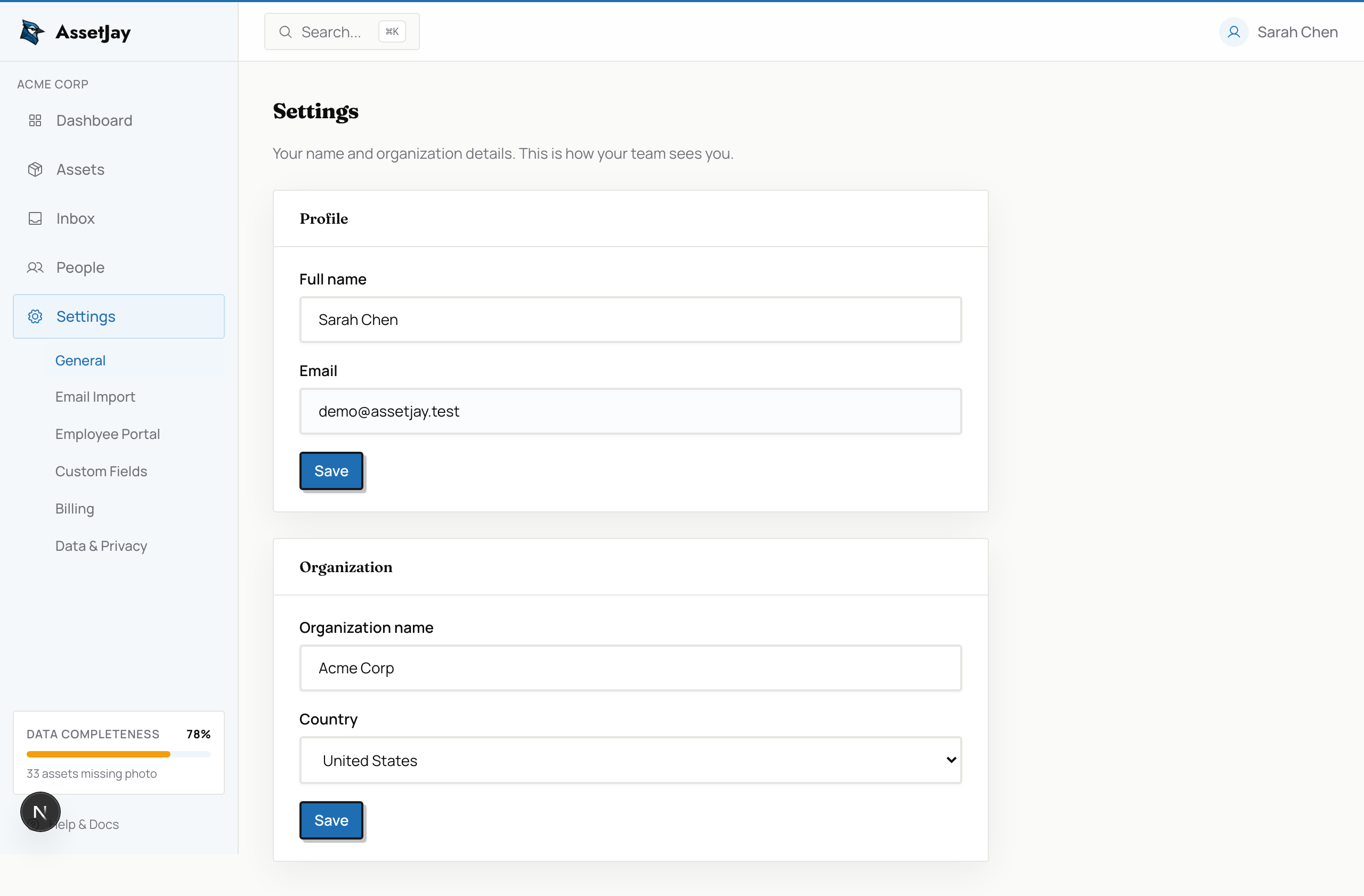
After signing in for the first time, you'll be prompted to name your organisation and select your country. This sets the default currency for asset values.
3Add your first asset
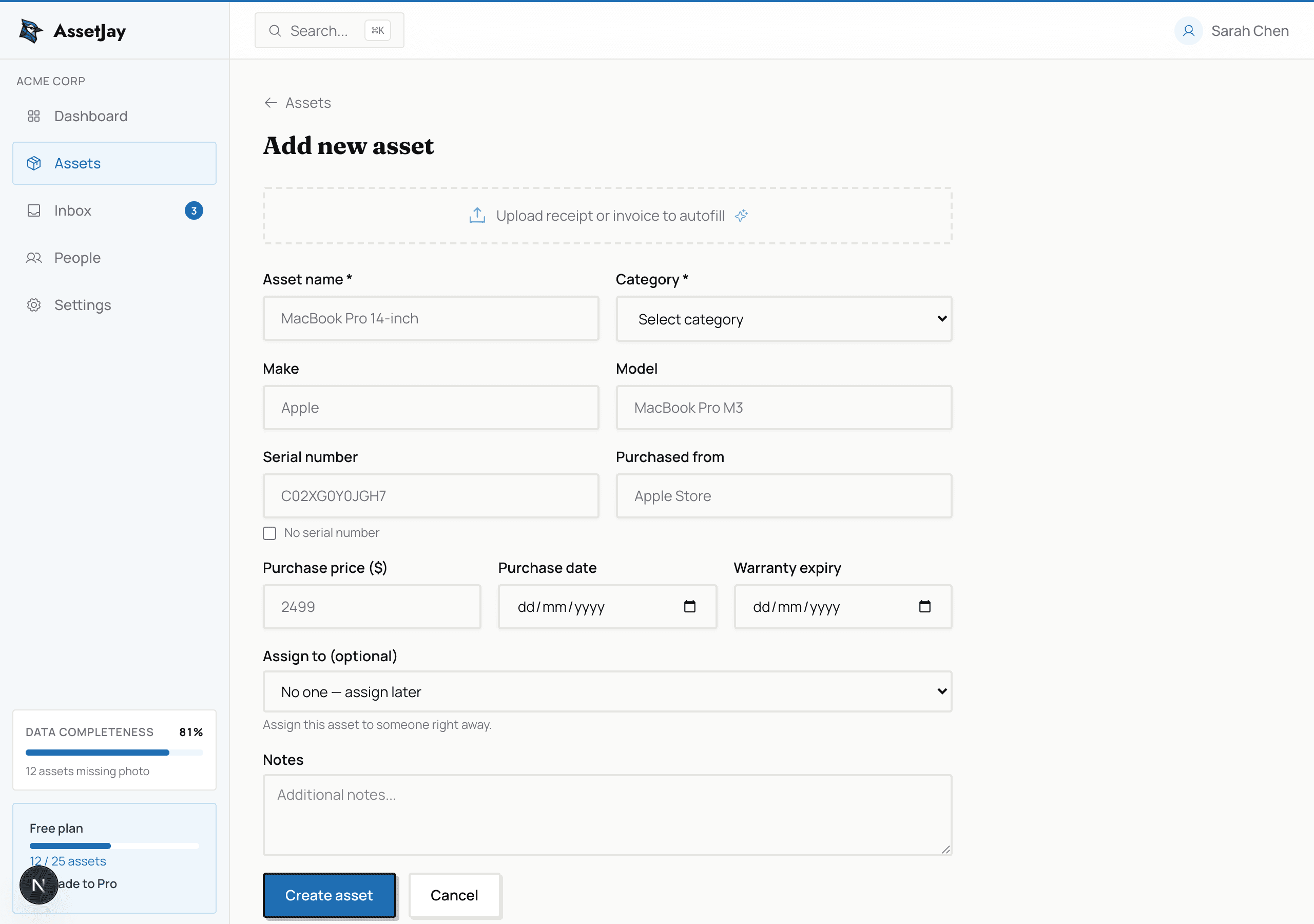
Click Assets in the sidebar, then Add Asset. Fill in the basics: name, category, purchase price, and warranty info. You can also upload a photo or receipt.
4Follow the onboarding checklist
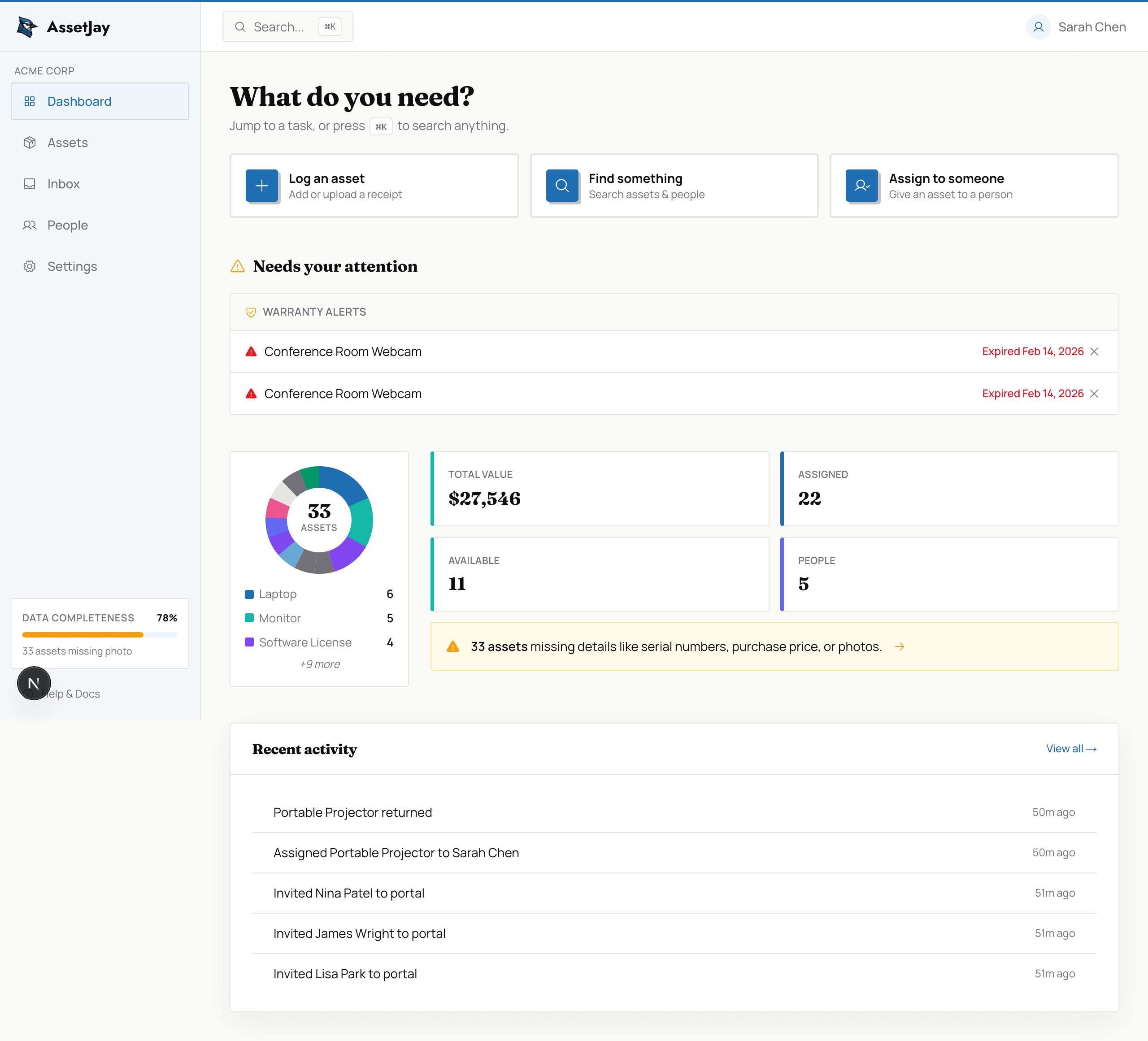
The sidebar shows a Getting Started checklist with three steps: forward a receipt, add your team, and assign an asset. Complete all three to unlock the full power of AssetJay.
What's next?
- Learn about asset management: documents, photos, and AI extraction
- Add your team and manage offboarding
- Bulk import assets via CSV or email