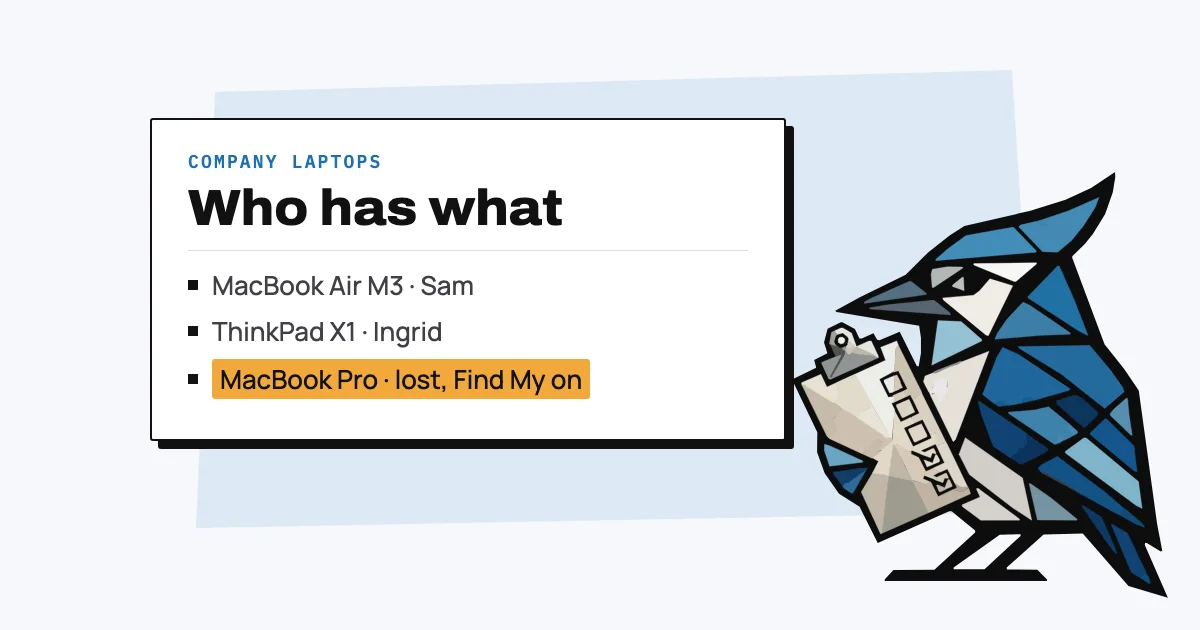
Tracking company laptops takes two different things: a record of which laptops you own and who has each one, and, if you want to find a lost one, a location feature that was switched on before it went missing. Apple's Find My, Windows' Find my device and Microsoft Intune can locate a laptop, but none of them keeps a record of who has which one, so most teams end up needing both.
Most small teams need the record more often than location tracking, because the usual problem is a laptop that didn't come back when someone left, not one that was stolen. This guide covers both, and the setting that can lock a company Mac to an employee's personal account.
What does laptop tracking mean?
Laptop tracking can mean keeping an inventory of the company's laptops (serial number, model, who has it, when they got it, the receipt and the warranty date) or locating a laptop on a map when it's lost or stolen. The first is a record you keep yourself; the second is a feature built into the laptop's operating system or added with device management software.
They answer different questions. "Who has the 2023 MacBook Air?" and "Did Sam give his laptop back?" need the record. "Where is the laptop that was left on the train?" needs location, and only works if it was set up in advance.
How do you keep track of who has which laptop?
You keep track of who has which laptop with one list, kept by one person, that records each laptop's serial number, model, the person using it, the date they got it, and where the receipt is, and is updated every time a laptop changes hands. A spreadsheet works at first; our equipment tracker template has the columns ready.
You'll need the serial number later for warranty checks, insurance and police reports, and it's easiest to record while the laptop is in front of you. Our guide to finding a laptop's serial number shows where it is on each make.
AssetJay keeps this list for you: forward the purchase receipt and the laptop is added with the serial if the receipt lists it, you assign it to a person, and when someone leaves you get a list of everything they still have. Its QR labels also help with lost laptops in a low-tech way: anyone who scans the label sees which company it belongs to and can send you a message, without being able to see anything else.
How do you find a lost or stolen company laptop?
You find a lost or stolen laptop with the location feature built into its operating system, which has to have been turned on before it went missing: Find My on a Mac, Find my device on Windows, or Intune's Locate device action if your laptops are managed with Microsoft Intune.
- Mac: with Find My set up, you can see the Mac's approximate location on a map, play a sound, turn on Lost Mode and erase it remotely. Once it's erased, Find My can't locate it any more (Apple Support).
- Windows: Find my device works with a personal Microsoft account and has to be turned on first; it shows the device on a map at account.microsoft.com/devices and can lock it (Microsoft Support). An administrator can switch the feature off by policy (Microsoft Learn).
- Intune: the Locate device action works on enrolled Windows devices, supervised iPhones and iPads, and corporate Android devices, but Macs aren't on the list (Microsoft Learn). Microsoft 365 Business Premium includes Intune Plan 1 (Microsoft Learn).
Whichever you use, report a stolen laptop to the police with its serial number and tell your insurer. A laptop that has been erased or is offline won't show up on any map.
Why can a company Mac get locked to an employee's account?
A company Mac can end up locked to an employee when they sign in with their personal Apple Account and turn on Find My, because that switches on Activation Lock, which ties the Mac to their account. If they leave without signing out, the Mac asks for their Apple Account password once it's been erased, before it can be set up again.
Apple's fix for organisations is Apple Business, its service for managing company devices: Macs the company owns and adds there can have Activation Lock turned off by the organisation, but the Mac has to be added before Activation Lock is switched on (Apple Business guide). A device management service can also hold a bypass code for when "the user can't authenticate… including if they leave the organisation" (Apple Platform Deployment).
Without either, when someone leaves, have them sign out of their Apple Account and turn off Find My before they hand the Mac back, which is a step on our offboarding checklist.
Do you need laptop tracking software?
Most small teams don't need separate laptop tracking software: the location features built into macOS and Windows cover lost devices if they're switched on, and a register covers who has what. Dedicated tools add remote locking, alarms and location across a fleet for a monthly fee.
Prey, for instance, offers geolocation, a remote alarm and screen lock, starting at $2.99 a month for 5 devices on its Starter plan (Prey pricing). Enterprise products such as Absolute go further but are priced by quote. If your laptops are already managed with Intune or another device management tool, check what it does before buying another.
How many company laptops go missing?
The figure most often quoted is old and comes from large companies: a 2010 Ponemon Institute study of 329 US organisations found that 2.32% of their laptops went missing each year, and 7.12% over a laptop's useful life (Ponemon Institute, 2010). It was sponsored by Intel, which sold anti-theft technology, and the report itself says its sample leans towards large organisations.
There's no recent independent figure for small companies. For a small team the more common loss is probably a laptop that never came back after someone left, which our guide to an employee who won't return their laptop covers.
Free: IT Equipment Tracker Template
A ready-to-use asset register with the right columns, sample data, and field-by-field guidance. No signup needed.
Get spreadsheet template