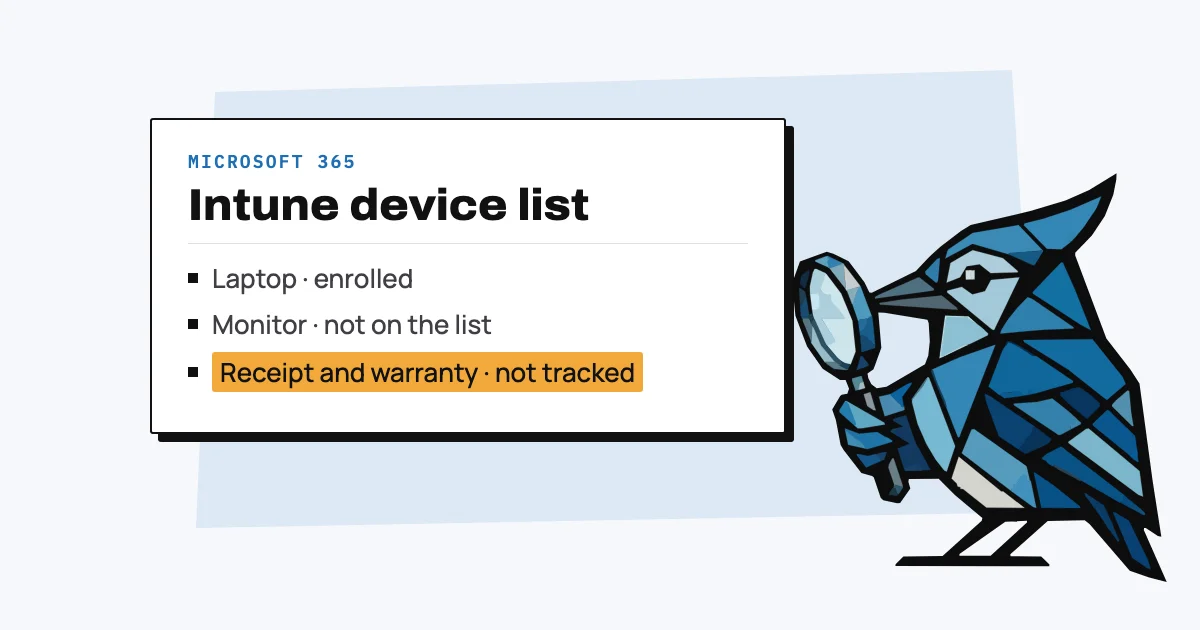
Microsoft 365 doesn't include an asset register. What it has is Microsoft Intune, which lists the laptops and phones you've enrolled in it, with serial number, model and user, and comes with Business Premium ($22 per user a month) or costs $8 per user a month on its own. Intune doesn't record purchase dates, prices, receipts or warranties, and it can't see monitors, docks or anything that isn't enrolled.
So a small team on Microsoft 365 usually ends up with two things: Intune (if it has Business Premium) to manage the devices, and a separate list of everything the company owns. Below is what each Microsoft 365 plan includes, what Intune records, the other places Microsoft lists devices, and what to use for the rest. Prices are US list prices checked on Microsoft's pages on 29 October 2026.
Which Microsoft 365 plans include Intune?
Microsoft 365 Business Premium includes Intune Plan 1, and so do the Microsoft 365 E3 and E5 enterprise plans. Business Basic and Business Standard don't include Intune; they get Basic Mobility and Security, which Microsoft describes as "a subset of Microsoft Intune" that covers iPhones, Android and Windows but not Macs.
| Plan | US price per user a month | Device management |
|---|---|---|
| Business Basic | $7.00 | Basic Mobility and Security (no Macs) |
| Business Standard | $14.00 | Basic Mobility and Security (no Macs) |
| Business Premium (up to 300 users) | $22.00 | Intune Plan 1 and Defender for Business |
| Intune Plan 1 on its own | $8.00 | Intune Plan 1 |
Sources: Microsoft 365 price changes from 1 July 2026, small and medium business plans, Intune pricing, Basic Mobility and Security, Business Premium.
What does Intune record about each device?
Intune records each enrolled device's name, serial number, manufacturer, model, operating system and version, the date it was enrolled and who enrolled it, its last check-in, storage, compliance and encryption status, and its primary user (Microsoft Learn).
The inventory refreshes every seven days, and Intune deletes devices that have stopped checking in 180 days after their management certificate expires (Microsoft Learn). So a laptop sitting in a drawer, or one that left with an employee, eventually drops off the list, even though the company still owns it.
What doesn't Intune track?
Intune's device details don't include a purchase date, price, receipt, supplier or warranty end date, and it only knows about devices that are enrolled. Monitors, docks, headsets, chargers and anything bought but not yet set up never appear in it, and neither does a laptop that was never enrolled.
Enrolment is also more work than it sounds for Macs: Intune's automated Mac enrolment needs Macs that are new or wiped and bought through Apple Business, Apple's service for organisations (Microsoft Learn). A Mac someone bought at a shop and set up themselves has to be enrolled by hand.
Where else does Microsoft 365 list devices?
Microsoft 365 lists devices in two other places, and has a list template you can fill in yourself:
- Microsoft Entra ID, All devices: every device joined or registered with your organisation's accounts, with model, operating system, join type, registration date, last sign-in and owner, exportable as a spreadsheet (Microsoft Learn).
- Defender for Business, device inventory: devices onboarded to Defender (included with Business Premium), with their risk level and health (Microsoft Learn).
- Microsoft Lists, Asset manager template: a ready-made list with asset tag, status, manufacturer, model, serial number, purchase date and price, order number, current and previous owner, condition notes and attachments (Microsoft Support).
The Lists template is the closest Microsoft 365 gets to an asset register. It's a manual list, like a spreadsheet: there's no warranty column, nothing reminds you when a warranty ends, and someone has to type in every item.
Is Dynamics 365 Asset Management for IT equipment?
No. Dynamics 365 Asset Management is a module of Dynamics 365 Supply Chain Management for maintaining "machines, production equipment, and vehicles" (Microsoft Learn), not for keeping track of a team's laptops.
What should a small team on Microsoft 365 use?
A small team on Microsoft 365 needs one list of everything it owns, whatever plan it's on, and Intune on top if it wants to manage settings and security on its laptops and phones. On Business Basic or Standard there's no Intune, so that list is the only full record you'll have.
The list can be the Lists template or a spreadsheet such as our equipment tracker template. AssetJay is a tool for the same job, built for teams without IT: you forward the purchase receipt and the item is added with its price and purchase date and a warranty end date (a one-year estimate if the receipt doesn't give one), you assign it to someone, and it reminds you before the warranty ends. It's free for up to 25 items. Whichever you use, record the serial number, which is what Intune, the maker's warranty check and your insurer all go by.
Free: IT Equipment Tracker Template
A ready-to-use asset register with the right columns, sample data, and field-by-field guidance. No signup needed.
Get spreadsheet template