Equipment Offboarding Checklist
71% of HR professionals report unreturned equipment when employees leave. The average cost is $2,000 per person. This checklist makes sure nothing slips through.
Employee name: ________________________________ Last day: ________________ Date completed: ________________
Hardware
- Laptop / desktop computer
- Laptop charger and power cable
- USB-C hub / docking station
- External monitor(s)
- Keyboard
- Mouse or trackpad
- Headset / headphones
- Company phone
- Phone charger
- Webcam (if external)
- Access cards / office keys
- ID badge and parking pass
- Carrying case or laptop bag
Accounts & Access
- Email account disabled or transferred
- Slack / Teams account deactivated
- Cloud storage access removed (Google Drive, Dropbox, OneDrive)
- Admin panel access revoked
- VPN credentials revoked
- SSO / single sign-on apps disconnected
- Password manager vault transferred or archived
- Code repository access removed (GitHub, GitLab)
- CRM / project management tool access removed
- Shared passwords changed (Wi-Fi, shared accounts)
- Shared documents transferred to a new owner
- Software licences reassigned to free up seats
Data
- Work files backed up or transferred to team member
- Personal files removed from company devices
- Browser profiles and saved passwords cleared
- Downloads folder checked and cleared
- External drives returned (USB sticks, hard drives)
- Cloud sync apps disconnected (Dropbox, iCloud, Google Drive)
Final Steps
- Equipment condition noted (any damage, scratches, wear)
- Equipment return receipt signed by both parties
- Asset tracking records updated (marked as returned)
- Equipment wiped and reset for next assignment
- Return shipping confirmed (for remote employees)
- Offboarding complete, all items accounted for
Notes:
Employee signature:
Manager signature:
Tips for a Smooth Offboarding
- Start early. Don't wait until the last day. Begin the equipment return process as soon as the departure is confirmed. The last day is taken up by handovers and a farewell lunch, and that's when equipment goes missing.
- Assign an owner. One person (usually the direct manager or ops lead) should be responsible for completing this checklist. In a big company IT handles devices and HR handles accounts; in a small business it's usually one person doing both, often the founder.
- Remote employees need extra time. Provide a pre-paid shipping label and give 5 business days after the last day for shipping.
- Check the peripherals. The laptop usually comes back. The charger, dock, and headset often don't.
- Back up before you wipe. Copy work files off the laptop before it's reset, so nothing the team still needs is lost.
- Document condition at return. Note any damage so it's recorded before the next person receives the equipment.
Why the checklist matters
A missing charger is annoying and a missing laptop is expensive, but the bigger costs are often the ones you don't see: software licences that keep billing because nobody deactivated them, company data on a device that walked out the door, or an insurance gap because you can't prove what you owned. It's one of the equipment management problems most small businesses run into, and the real cost of unreturned equipment adds up faster than most founders expect.
The return conversation is easier if the rules were set on day one. An employee equipment agreement lists what each person received, and an equipment policy spells out how and when it comes back. The same list works in reverse when someone joins: the new hire equipment checklist covers what to hand out.
If someone won't give it back, here's what to do when an employee won't return equipment.
Next time, AssetJay builds this list for you
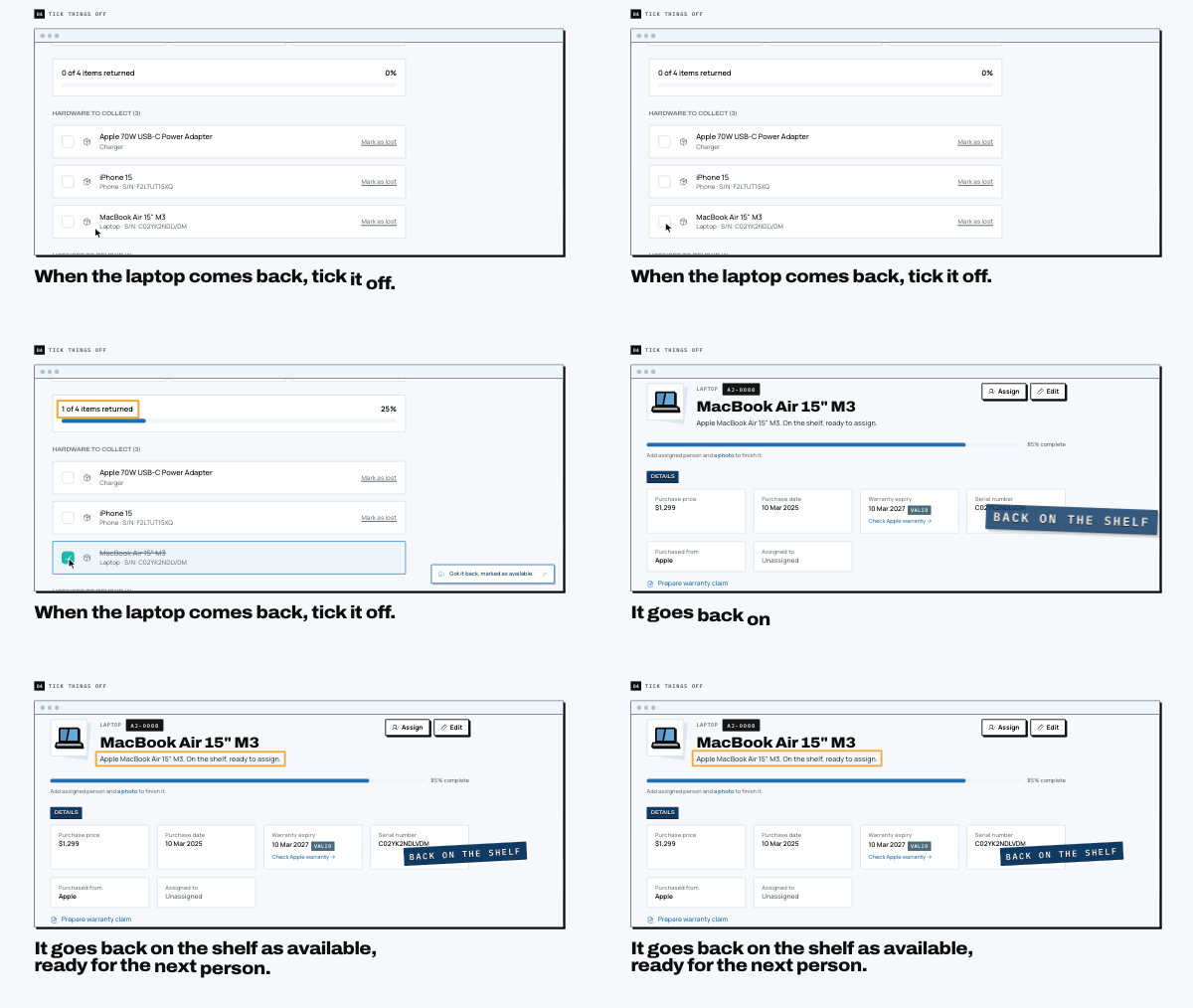
AssetJay knows what each person has, so when someone leaves you get this checklist already filled in with their laptop, monitor and licences. Tick things off as they come back.