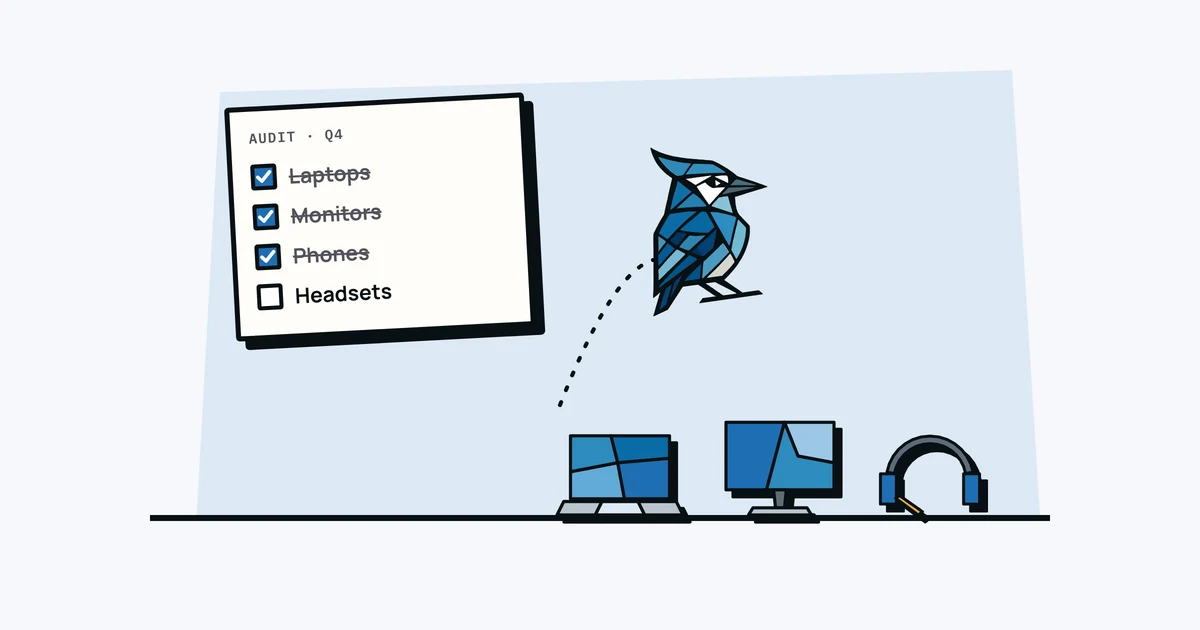
An equipment audit sounds like something a Fortune 500 company does with a team of consultants, but for a small team it's really just answering one question: "Does our list of equipment match what actually exists?"
If you can answer that in under an hour, you're in good shape. Here's how.
What Is Asset Verification?
Asset verification is the hands-on part of an audit: confirming that each asset on your list physically exists, is where the record says, is with the person the record says, and is in the condition the record says. You verify by seeing the item, or getting the person who has it to confirm it, not by comparing one spreadsheet with another.
It sits between two terms people often mix up:
| What it answers | Who usually does it | |
|---|---|---|
| Inventory count | How many of each thing do we have? | Anyone with a clipboard |
| Asset verification | Is this specific laptop real, here, with this person, in this state? | Whoever looks after equipment |
| Asset audit | Are our records, processes and values right overall? | You, or your accountant for fixed assets |
A count tells you there are 12 monitors. Verification tells you that monitor NW-0042 is on Ingrid's desk and the one listed as hers is actually in the storage cupboard. In accounting, physical verification of fixed assets is usually one step inside a wider fixed asset audit that also looks at depreciation and how purchases were recorded. For a small team, verification is most of the work, and the process below is built around it.
Why Bother?
Equipment records drift over time. People buy things and forget to log them. Someone borrows a monitor from another desk and it never comes back. A laptop is retired but still shows as "assigned" in the system. Chargers and cables vanish into desks.
A quarterly audit takes 30-60 minutes and catches these gaps before they become expensive problems (like buying a replacement for something that's in the storage closet, or missing a warranty claim because you forgot you owned the asset).
Before You Start: Get Your Current List
Pull up your equipment list, wherever it lives: a spreadsheet, an asset tracking tool, or the last email where someone tried to inventory things. If you don't have a list at all, start with an asset register template and use this audit to fill it in.
Print it out or open it on a tablet so you can walk around and check things off.
The One-Hour Audit Process
Step 1: The Physical Walk (20 minutes)
Walk through every space where equipment lives: desks, conference rooms, storage closets, server racks, the random cabinet in the break room. For each item you see:
- Is it on the list? Match it by asset tag or serial number, not just "a Dell monitor", then check it off.
- Is it NOT on the list? Add it.
- Is the assignment correct? (Is the person who "has" it actually using it?)
- What condition is it in? Note anything damaged, outdated, or unused.
If you have QR code labels on assets, you can scan and verify even faster. Matching by tag or serial is what turns a count into verification: two identical monitors look the same, but only one of them is the one on the list.
Step 2: The Remote Check (15 minutes)
For remote or hybrid employees, you can't walk by their desk. Send a quick message:
"Hey, quick equipment check. Can you confirm you still have: [list their assigned items]? Anything missing, broken, or that you're not using?"
Keep it casual, since you're really just updating records rather than checking up on anyone. Most people respond in under a minute.
For laptops and other high-value items, ask for the serial number or a photo of the asset label as well. That's what verifies the specific device rather than "yes, I've got a laptop". On a Mac the serial is under Apple menu > About This Mac; on Windows it's usually on a sticker underneath, or you can run Get-CimInstance Win32_BIOS | Select-Object SerialNumber in PowerShell.
Step 3: Track Down Ghost Assets (10 minutes)
Go through the remaining items on your list that you didn't check off during the walk. These are your ghost assets: items that should exist but you couldn't find. For each one:
- Is it assigned to someone? Ask them.
- Was it retired or disposed of? Update the record.
- Did someone take it home? Confirm and note the location.
- Is it actually missing? Flag it.
Step 4: Update Records (15 minutes)
Now update your system:
- Add any untracked equipment you found.
- Fix incorrect assignments.
- Mark retired or disposed items.
- Note any items that need replacement or repair.
- Flag anything missing for follow-up.
- Record the date each item was verified and who did it. A custom date field such as "Last verified" works fine for this, and it shows you at the next audit which items haven't been seen in a while.
What to Check Beyond "Does It Exist?"
While you're at it, check these for each asset:
- Warranty status. Is it still under warranty? When does it expire?
- Receipt attached? Can you prove you own it if needed?
- Condition. Is anything damaged, slow, or due for replacement? If you're finding a lot of ageing equipment, our guide on laptop refresh cycles can help you plan what to replace first.
- Assigned correctly? Does the record match who actually has it?
How Often to Audit
- Quarterly: Best for growing teams (10+ people) or teams with turnover. Takes 30-60 minutes.
- Twice a year: Fine for stable teams under 10 people with low turnover.
- Annually: The minimum. Do it at least once a year, and it's probably best to do it before your insurance renewal.
Audit Checklist
Here's a quick checklist to print or keep on your phone during the audit:
- ☐ Walk all physical spaces (desks, storage, conference rooms)
- ☐ Match every item found to the list by asset tag or serial number
- ☐ Add any untracked equipment found
- ☐ Message remote employees for confirmation (serials or label photos for laptops)
- ☐ Investigate items not found (ghost assets)
- ☐ Verify warranty dates for high-value items
- ☐ Check receipt/proof of purchase is attached
- ☐ Update all records and note the verification date
- ☐ Flag items for replacement or repair
- ☐ Note date of audit for next scheduling
After the Audit
Once you're done, you should have a clean, accurate equipment list. That list is the foundation for everything else: insurance claims, offboarding, replacement planning, and budget conversations.
AssetJay makes audits easier with QR code scanning, per-person asset views, and automatic warranty tracking. But whatever tool you use, doing the audit at all is most of the work, and an hour now is probably a lot less effort than piecing the list together after something goes missing.
Free: IT Equipment Tracker Template
A ready-to-use asset register with the right columns, sample data, and field-by-field guidance. No signup needed.
Get spreadsheet template