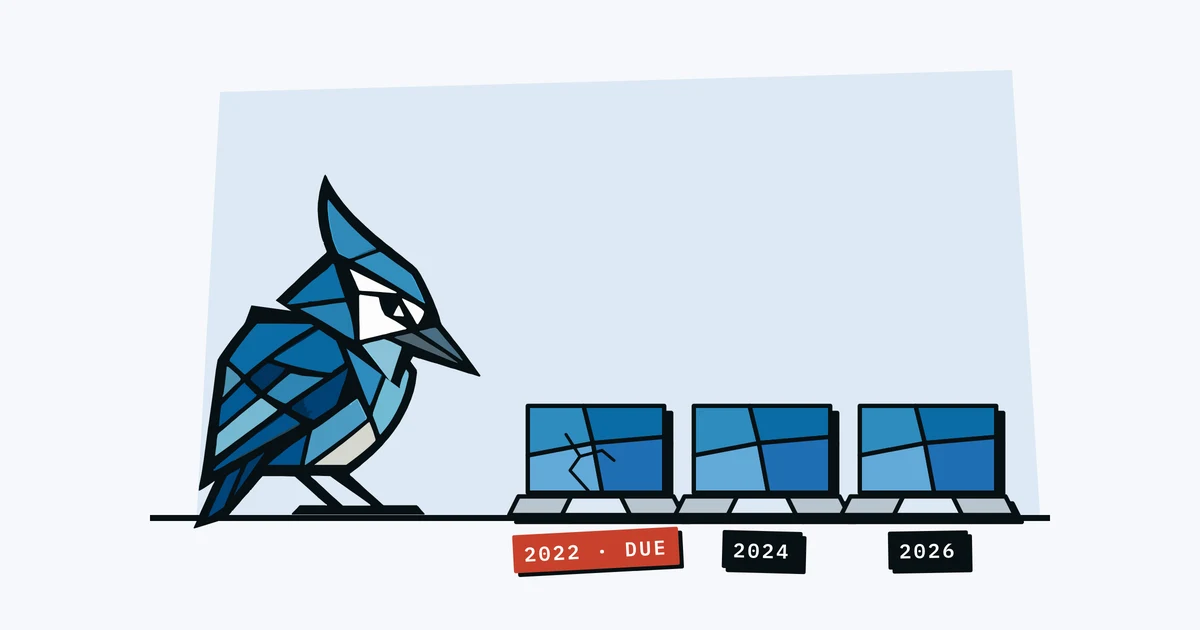
At some point, every company laptop starts to slow down. The fan runs constantly, the battery barely lasts through a meeting, and "just restart it" becomes a daily ritual. But when is the right time to replace it? And how do you plan for the cost before it becomes an emergency purchase?
What Is a Laptop Refresh Cycle?
A refresh cycle is the planned interval at which you replace company equipment. Instead of waiting for a laptop to die and then scrambling to buy a replacement, you set a timeline: "We replace laptops every X years."
This lets you budget for replacements in advance, avoid emergency purchases at full price, and keep your team on hardware that actually works.
Typical Replacement Timelines
There's no universal answer, but here are common benchmarks:
| Equipment Type | Typical Lifespan | Replace When |
|---|---|---|
| Laptops (standard use) | 3-5 years | Performance drops noticeably, battery life under 2 hours, or warranty expired |
| Laptops (heavy use: dev, design) | 2-4 years | Build times or render times increase significantly |
| Monitors | 5-8 years | Dead pixels, flickering, or cables failing |
| Keyboards & mice | 3-5 years | Keys sticking, connection issues, worn-out switches |
| Headsets | 2-3 years | Mic quality drops, padding deteriorates, Bluetooth issues |
| Phones (company-provided) | 2-3 years | No longer receiving security updates |
These are guidelines, not rules. A well-maintained MacBook Air used for email and spreadsheets can easily last 5 years. A developer's laptop running Docker and compiling code all day might need replacing in 3.
How Often Do Companies Actually Replace Laptops?
Most of the published policies we read make laptops eligible for replacement after 3 years. In October 2026 we read 18 public company handbooks, and 12 of the 14 that give a refresh cycle say 3 years. GitLab says staff are "eligible for a refreshed laptop after 3 years of active use", Mattermost uses three years from the purchase date, and Buffer gives you a new laptop on your first day "and every 3 years after".
The longer cycles come with conditions. PostHog lets you ask for a new laptop if it's "over 4 years old" or, for engineers, has less than 48GB of RAM. Most of these policies are on request rather than automatic, so a laptop that still works well carries on.
Almost nobody puts the cycle in a job listing, though. When we read the listings of 19,871 companies on the remote jobs board Himalayas, only 3 mentioned a refresh cycle (more in our job listings study). Cycles may also stretch this year: in August 2026 GitLab told staff that "a global RAM shortage" was delaying laptop refreshes.
The Real Trigger: Warranty Expiration
For many small teams, warranty expiry ends up being a more practical trigger for replacement than age.
While a laptop is under warranty, a hardware failure costs you nothing (or close to it). Once the warranty expires, a logic board failure costs $500-800, a screen replacement costs $300-600, and battery replacements cost $100-200 plus the downtime.
The maths often works out: if the repair costs more than half the price of a replacement, replace it. And if the warranty just expired, the risk of expensive repairs goes up significantly.
If you're tracking warranty dates and know a batch of laptops expires in 3 months, you can budget for replacements now instead of reacting to a broken screen next quarter.
How to Plan Replacements on a Small Budget
1. Know What You Have and When It Was Purchased
You can't plan replacements if you don't know what you own. Start with a list of all equipment, purchase dates, and warranty expiry dates. Even a rough purchase year helps. A quick equipment audit can get you there in under an hour.
2. Set a Default Cycle
Pick a default replacement timeline for each equipment type. Most of the published policies we read use 3 years for laptops, and 4 is probably fine for lighter use like email and spreadsheets. For monitors, 6 years is a reasonable starting point. You can extend or shorten based on actual performance.
3. Budget Monthly
A simple formula: total replacement cost divided by cycle length in months.
For instance: 10 laptops at $1,500 each, replaced every 3 years. That's $15,000 / 36 months = $417/month set aside for laptop replacements, so the cost doesn't come as a surprise.
4. Stagger Replacements
Don't buy all 10 laptops in the same month. Stagger purchases so that replacements are spread across the year. This smooths out the cash flow and avoids the "we need to buy 8 laptops this quarter" budget shock.
5. Track the Warranty Dates
Set up alerts for warranty expiry dates. When a laptop's warranty is 30 days from expiring, that's your signal to evaluate: replace now while it's still covered, or accept the risk of running it unwarrantied?
What Happens to the Old Laptop?
When a laptop is replaced or someone leaves, most of the handbooks we read let the person keep or buy it: 10 of the 18 do, and 3 want it back. The most common rule, in 4 of those 10, is that it's yours for free after a year. Mattermost, for instance, says staff leaving "after at least 1 full calendar year of service" may keep their laptop at no cost.
Before that point, companies price it in quite different ways. Some charge current market value or Apple's trade-in price, and others work it out from what the laptop cost, using net book value or straight-line depreciation. Whatever you choose, it helps to write it down when you hand the laptop over, and our free equipment agreement template has a place for it.
What About Leasing?
Some companies lease equipment instead of buying it. This converts a capital expense into an operating expense and builds the refresh cycle into the lease term (typically 2-3 years).
Leasing makes sense if you have 50+ devices and want predictable monthly costs. For a 10-person team, buying and tracking is usually simpler and cheaper in the long run.
Why Spreadsheets Fall Behind
Many teams try to manage refresh planning in a spreadsheet with columns for purchase date, warranty date, and planned replacement date. This works until:
- Nobody updates the sheet when a new laptop is purchased.
- The warranty date column is empty for half the assets.
- There's no automated reminder when a warranty is about to expire.
- Someone accidentally deletes a row.
A dedicated tracking tool with automatic warranty alerts sends you a reminder, so you don't have to remember to check.
Start Simple
You don't need a formal IT lifecycle management process. You need:
- A list of what you own with purchase dates.
- Warranty expiry dates for anything expensive.
- A default replacement timeline (even "3 years for laptops" is enough).
- A monthly budget set-aside based on the maths above.
AssetJay tracks purchase dates and warranty expiration automatically, with email alerts at 30, 7, and 1 day before expiry. It gives you the data you need to plan ahead instead of reacting to broken hardware.
Free: Equipment Value Calculator
Estimate what your team's equipment is worth in 60 seconds. See per-role costs, the insurance gap, and get a free tracking template. No signup needed.
Open tool