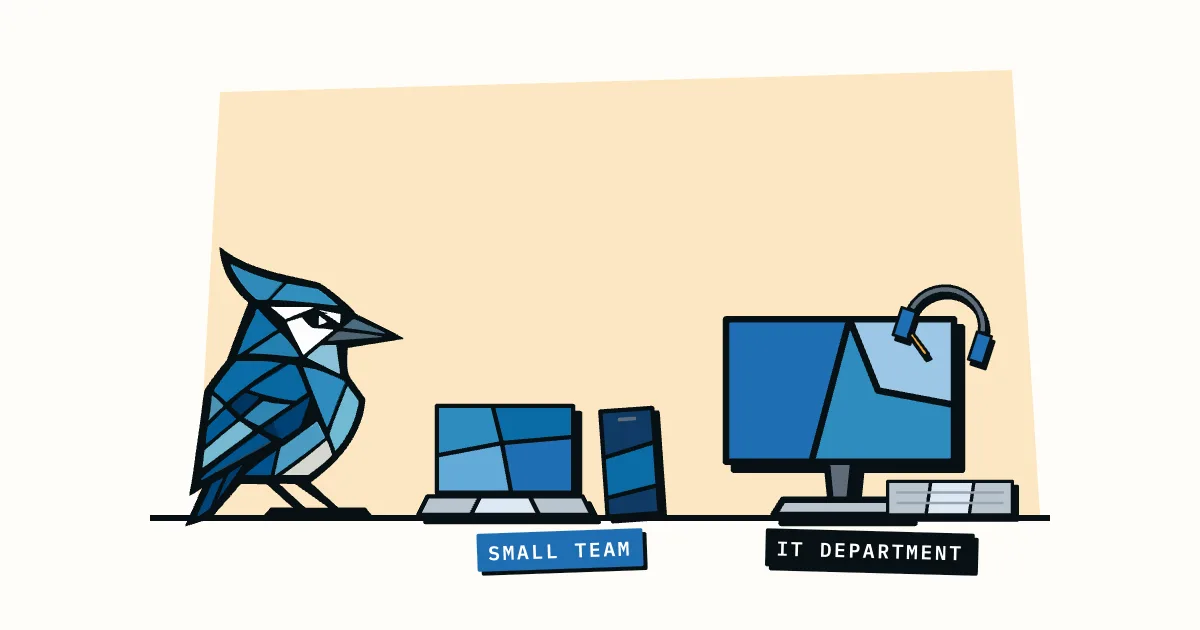
Reftab is IT asset management for IT teams, with a free plan for up to 50 assets and a Hardware Asset Management plan at $125 a month that syncs devices from MDM tools like Intune, Jamf and Iru. AssetJay is for small teams with no IT department, free for up to 25 assets and $24.99 a month on Pro for up to 250. If you have someone running device management, Reftab probably fits better. If the person looking after the laptops is an office manager or a founder, keep reading, because that's who AssetJay is built for.
Pricing and features below were checked on Reftab's own pages in October 2026.
What is Reftab?
Reftab is a cloud asset management platform that has been around since 2013 and is aimed mainly at IT teams, with pages for education, healthcare, non-profits and construction as well. It covers hardware tracking, software licence and SaaS management, maintenance, and onboarding and offboarding, and it connects to a long list of IT tools.
The integrations are the main reason people pick it. Reftab's integrations page lists MDM tools (Jamf Pro and Jamf School, Kandji, Microsoft Intune, Mosyle, NinjaOne and FleetDM), single sign-on and provisioning through Entra ID, Okta, SAML 2.0 and SCIM, HR systems like BambooHR, HiBob and Workday, and helpdesks like Jira Cloud and Zendesk. There's an open API, Slack and Teams notifications, and Zapier. Kandji has since rebranded as Iru, which is the name Reftab's pricing page uses (University of Alaska IT notice, October 2025).
It also has iOS and Android apps with barcode scanning, reservations with calendars, and asset audits.
What is AssetJay?
AssetJay is cloud asset tracking for small teams that don't have an IT department. It keeps one record per item with the receipt, purchase price, warranty date and who has it, and it's built around the jobs that come up every few weeks: logging a purchase, finding a receipt, or getting kit back when someone leaves.
It's free for up to 25 assets, and Pro is $24.99/month for up to 250 assets with the whole team included. You can forward a receipt email to your team's Inbox address, or drop in a PDF or photo, and AI reads it and fills in the make, model, price and warranty date for you to confirm. Warranty reminders go out 30, 7 and 1 day before expiry. When someone leaves, you start an offboarding checklist from their profile that lists everything assigned to them. There are also QR labels, CSV import, software licence tracking, and a self-service portal for employees on Pro.
AssetJay vs Reftab: feature comparison
| Feature | AssetJay | Reftab |
|---|---|---|
| Built for | Small teams with no IT department | IT teams, schools, healthcare, construction |
| Free plan | Up to 25 assets | Up to 50 assets, no time limit |
| Paid pricing | $24.99/month, up to 250 assets | Hardware Asset Management $125/month, unlimited users |
| Free trial on paid plan | Free plan instead, no credit card needed | 14 days |
| MDM sync (Intune, Jamf, Iru) | No | Yes, on Hardware Asset Management |
| SSO and SCIM | No | Entra ID, Okta, SAML 2.0, SCIM |
| HR and helpdesk integrations | No | BambooHR, HiBob, Workday, Jira Cloud, Zendesk |
| AI receipt reading | Yes, upload or forward by email | Not listed |
| Warranty reminders | Automatic emails at 30, 7 and 1 day | Scheduled warranty reports and workflows; Dell sync pulls warranty dates |
| Offboarding | Checklist of everything the leaver holds | Offboarding tickets with custom tasks |
| Software licences | Key, renewal date and seats per licence | Yes, plus SaaS discovery on the Software Asset Management plan |
| Check-in/check-out | Assignments, plus borrowing of shared items with a return date | Yes, with loan limits and overdue alerts |
| Reservations | No | Yes, with calendars |
| Audits and maintenance | Maintenance status only | Asset audits, maintenance and work orders |
| Mobile app | No app; QR labels open the asset page on your phone | iOS and Android |
| Employee portal | Yes, on Pro | Yes, users see items assigned to them |
| Claude integration | MCP server: create, update and look up assets from Claude | Tracks your team's Claude usage and cost |
| API | No REST API | Open API |
How much does Reftab cost?
Reftab has a free plan for up to 50 assets with no credit card and no time limit, and its Hardware Asset Management plan is $125 a month with unlimited users and a 14-day free trial (Reftab pricing, checked October 2026). Software Asset Management is $9 per tracked software user per year, and Complete ITAM, which bundles both, is custom priced.
The pricing page doesn't say how many assets the $125 plan covers. Its FAQ refers to a "billable asset quota" and says accessories, licences and archived assets don't count towards it, so if you have a few hundred laptops and monitors it's worth asking Reftab what your number would cost before you plan around $125.
The free plan is more generous than most. It includes unlimited locations and custom fields, reservations, the mobile apps, QR codes, check-in/check-out and overdue loan alerts. The MDM and helpdesk integrations are listed on the paid plan, not the free one.
Reftab also offers non-profit and education discounts if you email them.
How much does AssetJay cost?
AssetJay is free for up to 25 assets and $24.99 a month on Pro for up to 250 assets, billed monthly, with the whole team included and no per-user pricing. There's no credit card needed for the free plan, and you can cancel Pro with one click.
Both plans include receipt and warranty tracking, warranty reminders, offboarding checklists, receipts by email, CSV import, QR labels, the monthly digest and the Claude integration. The differences are the limits: Free gets 10 AI receipt reads a month and 5 custom fields, Pro gets 100 reads and 15 fields, and the employee portal is Pro only. Full details are on the pricing page.
So on price the comparison depends on your size. Under 25 assets, both are free. Between 26 and 50, Reftab's free plan still covers you and AssetJay doesn't. Above 50, AssetJay Pro is $24.99 against Reftab's $125 starting point, which is about a fifth of the price.
What is the main difference between AssetJay and Reftab?
Reftab is built for an IT team that wants asset records fed by the systems it already runs, while AssetJay is built for someone who isn't in IT and needs the records to fill themselves in from receipts. Which one fits mostly depends on whether you have an MDM.
If your laptops are enrolled in Intune, Jamf or Iru, Reftab can sync them in, link them to people from your HR system, and open tickets in Jira or Zendesk. That removes a lot of typing, and for a team with an IT person it's the obvious pick.
A lot of small companies don't have any of that. The laptops were bought on a company card, the receipts are in someone's inbox, and the record of who has what lives in a spreadsheet or in someone's head. AssetJay starts there: forward the receipt, confirm what Jay read, assign it to a person. Our guide on how to track employee equipment walks through that setup.
How do AssetJay and Reftab handle offboarding?
Both handle offboarding, but in different ways. Reftab opens an offboarding ticket when you move a user into its Offboarding status, with custom tasks you define in settings (Reftab Winter 2025 release notes). AssetJay generates a checklist of every asset assigned to the leaver, and you tick items off as they come back.
Unreturned kit costs real money. In Capterra's 2022 Employee Offboarding Survey, 71% of HR professionals who had offboarded someone in the past year reported at least one item not returned, at an average of $1,963 per departing employee (Capterra, 2022). It's also what buyers bring up most: in GroWrk's analysis of 3,977 customer calls between April 2024 and August 2026, offboarding and retrieval came up unprompted in 22.6% of them (GroWrk, 2026).
Reftab's version suits a process with several people involved, like revoking access and HR sign-off. AssetJay's is narrower and is about making sure the laptop, charger and monitor come back. If you want a printable version, our offboarding checklist is free.
When should you choose Reftab?
Reftab is the better choice if:
- Your devices are already in Intune, Jamf, Iru, Mosyle or NinjaOne and you want them synced automatically.
- You need SSO, SCIM provisioning or an HR integration like BambooHR or Workday.
- You lend equipment out and need reservations with calendars, loan limits and a mobile app with a barcode scanner.
- You run audits or track maintenance and work orders.
- You want SaaS discovery and software spend tracking alongside hardware.
- You have between 26 and 50 assets and want to stay on a free plan.
When should you choose AssetJay?
AssetJay is the better choice if:
- Nobody on the team does IT full time and you don't use an MDM.
- You want receipts on file for every asset, and you'd rather forward an email than type the details in.
- You want warranty reminders by email without building reports or workflows.
- You want an offboarding checklist generated from what each person holds.
- You have more than 50 assets and $125 a month is more than the problem is worth.
- You want to manage your inventory from Claude by describing what you want.
Frequently asked questions
Is Reftab free?
Yes, for up to 50 assets. Reftab's free plan has no time limit and doesn't need a credit card, and accessories and software licences don't count towards the 50. The MDM and helpdesk integrations are on the paid Hardware Asset Management plan, which is $125 a month with a 14-day trial.
Does AssetJay integrate with Intune or Jamf?
No. AssetJay doesn't sync from any MDM, and it doesn't have SSO or a REST API. If MDM sync is a requirement, Reftab or one of the tools in our Snipe-IT alternatives roundup will suit you better.
Can I move from Reftab to AssetJay?
Yes. Reftab can export your data to CSV, and AssetJay's import takes a CSV, matches common column headings like Name, Asset tag, Serial Number and Price, and lets you map the rest before anything is saved. Import your people first, then your assets.
Which is easier to set up?
Both can be set up in an afternoon for a small inventory. Reftab's free plan says it takes a few minutes, though connecting MDM, SSO and HR integrations takes longer. AssetJay has fewer settings, and most teams are fully tracked in under 10 minutes from a spreadsheet.
Does Reftab work with Claude?
Reftab lists Claude on its integrations page, but that integration reports your team's Claude usage and cost as part of SaaS spend tracking. AssetJay's Claude integration is an MCP server, so you can create, update and look up assets and people from Claude. More on that in managing equipment with Claude.
The bottom line
Reftab is the stronger tool for an IT team. It syncs from MDMs, plugs into SSO, HR and helpdesk tools, and its free plan covers twice as many assets as AssetJay's. AssetJay is the simpler and cheaper option for a small team with no IT department, where most of the work is keeping receipts, warranty dates and assignments straight, and getting equipment back when people leave.
If you're still comparing, our roundup of the best equipment tracking tools for small teams covers a wider range.