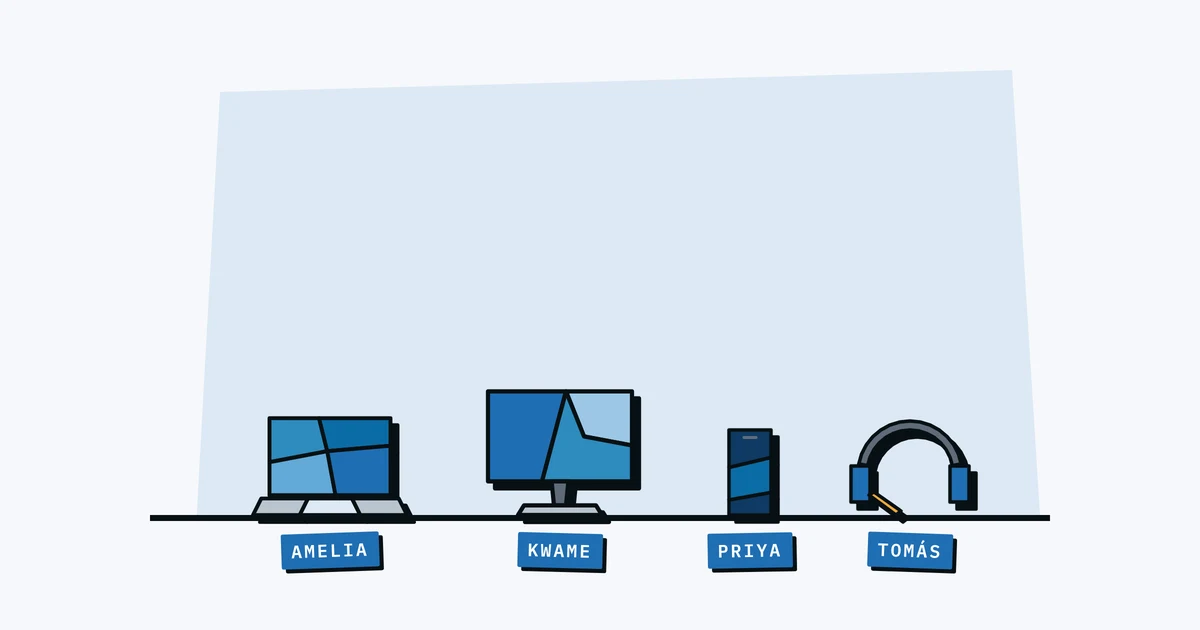
In a lot of growing companies, asking "who has the spare MacBook?" gets you three different answers: the storage closet, the new hire who started last month, or someone who left in January.
If you're running a team of 5 to 50 people, you shouldn't have to go hunting to find out who has what equipment, but without a basic system that's usually what happens, and it costs time and money.
The Problem: Nobody Knows Who Has What
In the early days, employee equipment tracking is easy because there's nothing to track. The founder bought three laptops and knows exactly where they are. Then you hire a few more people, get some monitors, maybe a couple of webcams for remote meetings. Somebody keeps a mental note. Maybe there's a spreadsheet somewhere.
The trouble starts around the 10-person mark. Equipment begins to move: someone borrows a charger, a monitor gets swapped between desks, a departing employee returns their laptop but not the adapter. Each small gap is harmless on its own, but they add up, and within a year your informal system is full of holes, and the person who "knew where everything was" is now too busy to keep up.
Why It Gets Worse as You Grow
Three things accelerate the chaos:
- New hires. Every onboarding means assembling a kit: laptop, monitor, peripherals, maybe a standing desk. If you don't record what went to whom at the moment of handoff, the information evaporates. Our new hire equipment checklist lists what usually goes in that kit.
- Remote workers. Equipment that lives at someone's home is invisible. You can't walk around the office and spot it. If you don't have a record, that laptop effectively doesn't exist until someone asks about it.
- Office moves and reorgs. Desks get reshuffled, meeting rooms change, and suddenly the monitor that was "assigned to the conference room" is on someone's desk with no trail of how it got there.
The Assignment Model: Linking Assets to People
The single most useful thing you can do to track employee equipment is to assign every piece of gear to a person rather than a desk or a department. This creates a clear chain of accountability: Ingrid has Laptop #14, Monitor #7, and a Logitech webcam. When you need to know where something is, you look up the person. When you need to know what someone has, you look up their name.
This sounds obvious, but most small businesses skip it. They track what they own without tracking who has it. That gives you an inventory list, but without the assignments it can't tell you who has what day to day.
When Equipment Moves Between People
Equipment doesn't stay with one person forever. People leave, change roles, or simply swap a monitor. It's probably best to record the handoff, not just the current state. You want to know that Laptop #14 was assigned to Ingrid from March to October, then moved to James in November. That history helps with warranty claims, for insurance, and for figuring out what happened when something goes wrong.
If you're still using a spreadsheet, each reassignment means editing a cell and losing the previous value. A proper system keeps the full history automatically. For more on moving beyond the spreadsheet, we wrote a whole post on that.
Remote Equipment: The Visibility Gap
Remote workers are the biggest blind spot in employee equipment tracking. That laptop, monitor, and headset you shipped to someone's home address? You're trusting your records, because you can't physically verify it, so you need to know exactly what shipped, when it arrived, and who signed for it.
A practical tip: when you ship equipment to a remote employee, log the assignment before the box goes out. Don't wait for them to confirm receipt. If you wait, you'll forget, and the gear ends up untracked.
Physical Labels for Accountability
Digital records are essential, but a physical label closes the loop. When a laptop has a QR code label on the bottom, you can scan it with your phone and see who it's assigned to, when it was purchased, and whether it's under warranty. The label also signals to employees that the equipment is tracked, which on its own reduces the "I forgot to return it" problem.
Labels are especially useful during audits. Walk through the office, scan each label, confirm it matches your records. For remote equipment, ask employees to scan their labels periodically as a lightweight check-in.
Getting Equipment Back at Offboarding
The moment when tracking employee equipment really pays off is when someone leaves the company. Without clear records, offboarding becomes a scavenger hunt: did they have a webcam? What about the second charger? Was that monitor theirs or the company's?
With proper assignment tracking, you pull up the person's name and see every piece of equipment they have, which is your return list, so you're not sending follow-up emails a month later about a missing keyboard. We put together a full equipment offboarding checklist if you want the detailed process, and we broke down the real cost of unreturned equipment if you need to make the case internally.
Practical First Steps
You don't have to overhaul everything at once. Here's a realistic starting point:
- Pick a tool. It can be simple, but it needs to support assignments, meaning linking a piece of equipment to a person. A spreadsheet column technically works, but you'll lose history every time something moves.
- Start with laptops. They're the most expensive and the most mobile. Get every laptop into the system with a name next to it.
- Add monitors and peripherals next. These move less often, but they're the items that go missing during office reshuffles. If your team shares equipment like projectors or cameras, a checkout system keeps those moving parts visible too.
- Label as you go. Print a QR label for each asset as you add it. Don't try to label everything in one day. Just make it part of the intake process.
- Tie it to onboarding and offboarding. When someone joins, log what they receive. When someone leaves, check what they should return.
It doesn't need to be perfect, just good enough that you know with reasonable confidence who has what. Once you have that, everything else (warranty tracking, insurance claims, budgeting for replacements) gets a lot easier.
Free: IT Equipment Tracker Template
A ready-to-use asset register with the right columns, sample data, and field-by-field guidance. No signup needed.
Get spreadsheet template