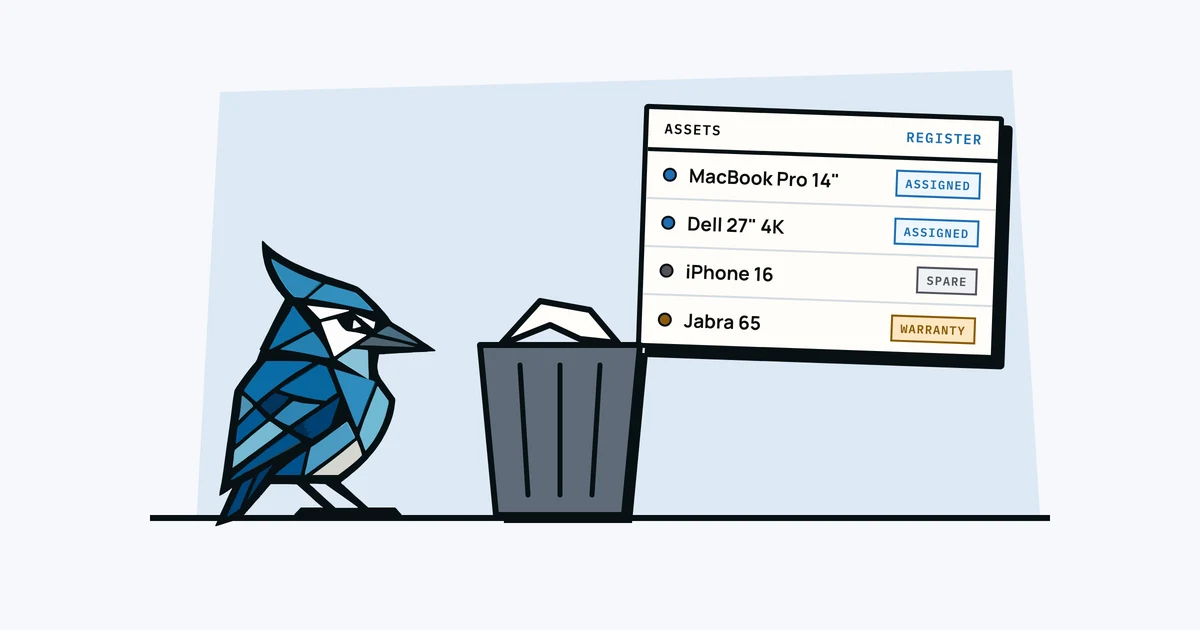
Every small business starts the same way: someone buys a laptop, writes it down in a Google Sheet, and moves on. It works fine when you have five people. By the time you hit twenty, the spreadsheet has stale data, missing rows, and columns nobody remembers adding.
If that sounds familiar, it's pretty normal, and the spreadsheet did its job getting you this far. Here's when it stops working and what to use instead.
Why Spreadsheets Break Down
Spreadsheets are very flexible, which is part of the problem. When anyone can edit anything and there are no guardrails, things drift. Here's what tends to happen:
Nobody updates it
The spreadsheet is accurate on day one. Then someone gets a new monitor and forgets to log it. Someone else leaves the company and their row stays. Within a few months, the sheet no longer reflects reality, and once people stop trusting it, they stop updating it entirely.
No photos or attachments
Spreadsheets can't attach a photo of the asset, the purchase receipt, or the warranty document. That information lives in someone's email or a random folder on Google Drive. When you actually need it, like filing a warranty claim, finding it becomes a treasure hunt.
No audit trail
Who changed what, and when? With a spreadsheet, you're relying on version history, which tells you that a cell changed, but not why. There's no record of when an asset was assigned to a new person, when it was sent for repair, or when it was retired.
Stale assignments
The person listed next to the laptop left the company six months ago. The monitor "assigned" to the meeting room is actually sitting in storage. Without a simple way to update assignments as things move around, the sheet stops matching reality. This is especially painful during offboarding, when you need to know exactly what someone has.
What a Proper System Looks Like
You don't need an enterprise IT platform with a six-month implementation. You need something that does a few things well:
- One record per asset, with the essentials: what it is, who has it, when it was bought, what it cost, and when the warranty expires.
- Photo and document storage. Attach the receipt, the warranty card, a photo of the serial number. Everything in one place.
- Assignment tracking. See who has what right now, and a history of who had it before.
- Accountability. Changes are logged automatically. No one has to remember to update a cell.
- Access for the team, not locked in one person's Google account. Anyone who needs to check can check.
The Transition from Sheet to System
The hardest bit of switching is usually the migration, because nobody wants to retype 200 rows of data. That's why CSV import exists: export your spreadsheet, upload the CSV, and your data moves over in one step.
AssetJay was built with this exact transition in mind. You can import your existing spreadsheet as a CSV, and the system maps your columns to the right fields. If you import your people first, an "Assigned to" column links each asset to the right person. Your data is preserved, and on top of it you get photos, receipts, assignment history and QR labels. If you want the short version, here's AssetJay and a spreadsheet side by side.
Signs You've Outgrown the Spreadsheet
You don't need to wait for a crisis. Here are the signals:
- You've lost a piece of equipment and nobody noticed for weeks.
- Someone left the company and you weren't sure what they had.
- An insurance claim needed a receipt you couldn't find.
- You spent more than 20 minutes trying to figure out who has the spare monitor.
- A new hire started and there was no clear picture of available equipment.
If any of these have happened, it's probably time to move off the spreadsheet. Our post on when spreadsheets stop working puts rough asset counts on it. For a broader look at the challenges, read our guide to equipment management for small businesses.